
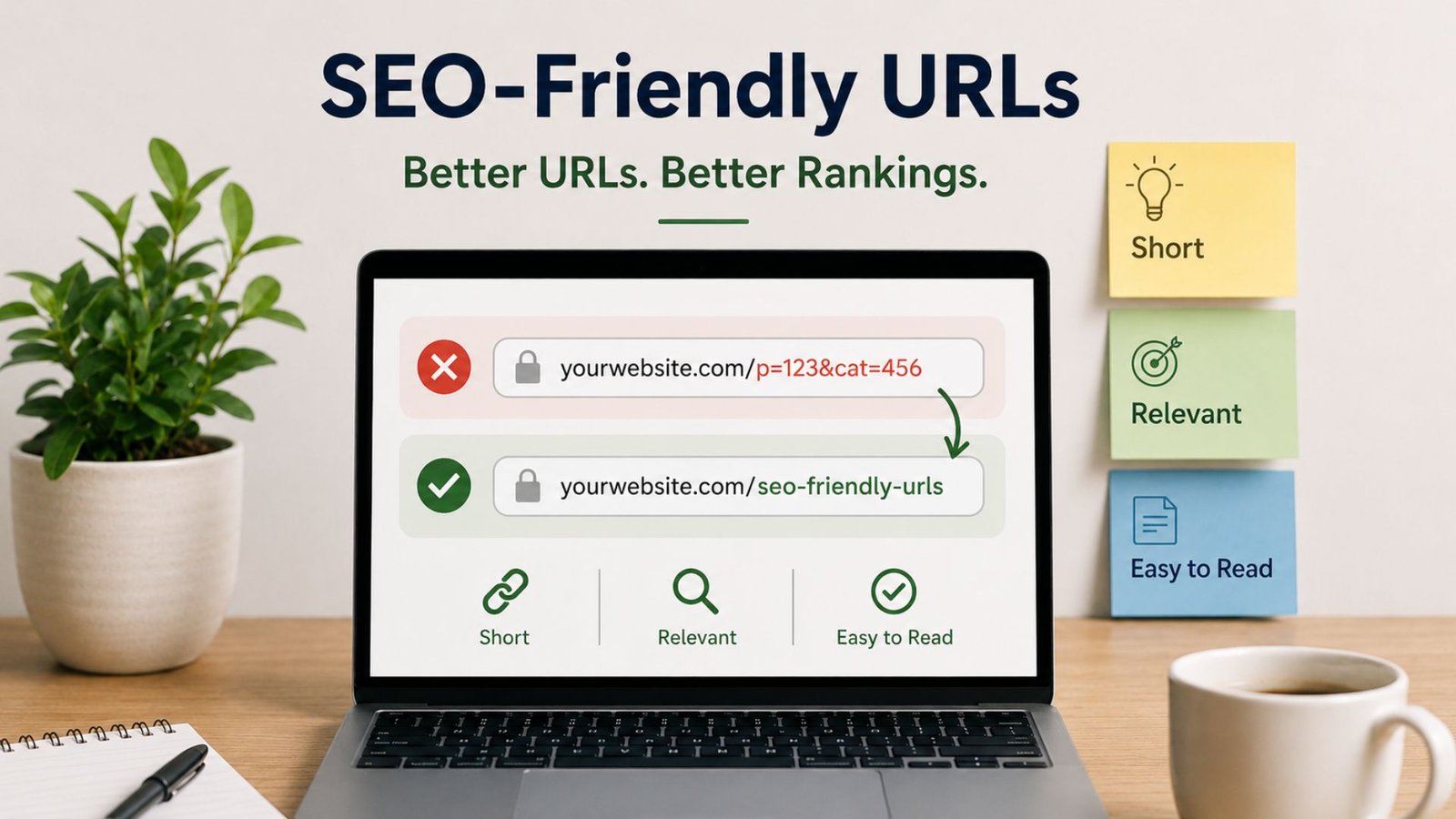
If you have ever clicked a link and seen something like site.com/index.php?id=2847&cat=12, you already know how confusing a bad URL feels. Now compare that to site.com/blog/seo-friendly-urls. One tells you nothing. The other tells you exactly what you are about to read.
That difference matters more than most people think. URLs are one of the first things both visitors and search engines see, and they quietly influence click-through rates, crawlability, and rankings. In this guide, we will break down everything you need to know about SEO and URLs — what makes a URL search-engine friendly, how to structure one correctly, and the small details that are easy to miss but easy to fix.
What Is an SEO-Friendly URL?
So, what is a SEO friendly URL exactly? In simple terms, it is a web address that is short, readable, and descriptive enough for a person to understand what the page is about just by glancing at it. It also follows a format that search engines can crawl and interpret without confusion.
A good way to think about what is SEO friendly URLs in practice: if someone could read the link out loud and guess the topic of the page, you are on the right track. If the link is full of numbers, symbols, and random characters, it is not doing its job.
Why SEO and URLs Go Hand in Hand
URLs are part of your website’s basic structure, and structure is something search engines pay close attention to. A clean URL helps Google understand the hierarchy of your site — which pages are categories, which are subcategories, and which are individual posts or products. This is also one of the first signals used to judge relevance to a search query, before a crawler even reads a single word of your content.
There is also a human side to this. People scan URLs in search results before they click, and a clear, trustworthy-looking link earns more clicks than a cryptic one. Better click-through rates often translate into better rankings over time, which is exactly why SEO and URLs cannot really be treated as separate topics.
Breaking Down a Search-Engine-Friendly URL
Every URL is made up of a few parts, and each one plays a role in keeping it search-engine friendly:
- Protocol –
https://should always be used overhttp://for security and trust. - Domain – Your website’s main name, ideally short and brand-relevant.
- Directory/Category – Groups related pages together, like
/blog/or/services/. - Slug – The unique part that identifies the specific page, like
/seo-friendly-urls. - Parameters – Extra bits like
?id=123, which are best avoided when possible since they add no real meaning for users or crawlers.
Keeping each of these parts clean and purposeful is the foundation of a search engine friendly URL.
What Is an SEO-Friendly URL Structure?
A lot of people ask what is SEO friendly URL structure, expecting a complicated answer — but it really comes down to consistency and logic. Your URL structure is simply the pattern you follow across your entire website. For example:
domain.com/category/page-nameOnce you pick a pattern like this, stick with it across every page. A consistent SEO friendly url structure makes your site easier to navigate, easier to crawl, and far less likely to need messy redirects later when you decide to “fix” things.
How to Make a URL SEO Friendly: Step by Step
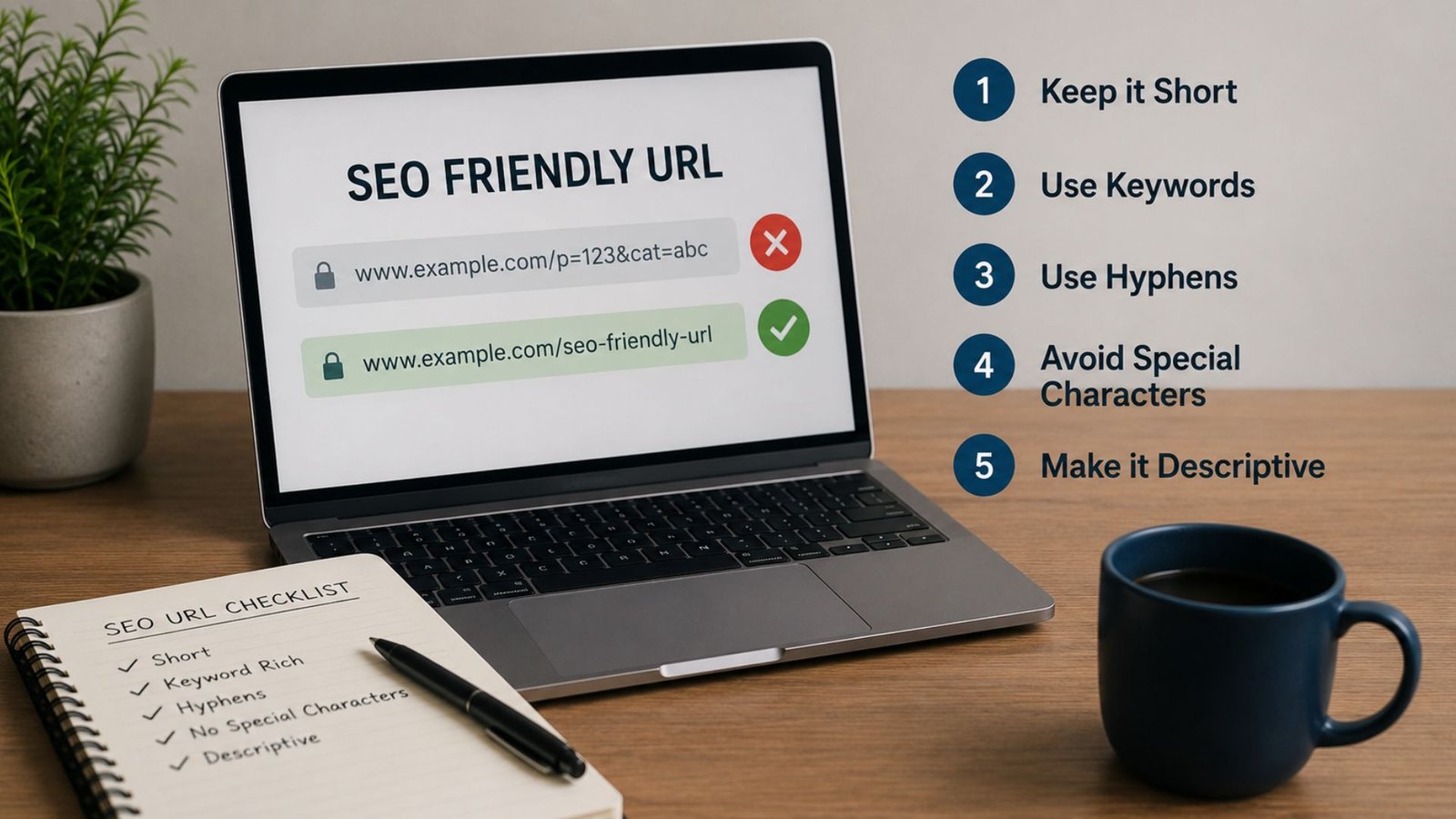
If you are wondering how to make url seo friendly or how to create seo friendly urls from scratch, here is a practical checklist:
1. Keep it short and to the point Long URLs are harder to read, share, and remember. Stick to the words that actually matter.
2. Use your target keyword naturally Include the main keyword of the page once, without forcing in every variation you can think of.
3. Separate words with hyphens Hyphens (-) are read as spaces by search engines. Avoid underscores or spaces, which can break links or get misread.
4. Stick to lowercase letters URLs are case-sensitive. Mixing cases can create duplicate versions of the same page in the eyes of search engines.
5. Drop unnecessary words Words like “the,” “and,” or “for” rarely add value to a URL. Removing them keeps things tight and clean.
6. Avoid dates and numbers where possible A URL like /blog/2021/best-tips can look outdated fast. A generic, evergreen slug ages much better.
7. Skip URL parameters when you can Strings like ?ref=12&sort=asc add clutter without giving search engines or readers any useful information.
8. Stay consistent across the site. Whatever structure you choose, apply it everywhere. Consistency builds trust with both users and crawlers.
SEO-Friendly URL Examples (Good vs Bad)
Seeing real seo friendly url examples side by side makes this much easier to apply:
Good:
yoursite.com/blog/url-seo-friendly-guideyoursite.com/services/digital-marketingyoursite.com/shop/running-shoesBad:
yoursite.com/index.php?p=4521&cat=9yoursite.com/blog/2019/03/12/THIS-Is-The-Best-Guide-Ever-Written-About-URLsyoursite.com/page1Notice how the good examples are readable, lowercase, and instantly tell you what the page is about — while the bad ones either confuse the reader or give away nothing useful.
URL Optimization for SEO: Best Practices to Follow
URL optimization for SEO is not a one-time task you complete and forget. It is an ongoing habit you build into your content workflow. A few extra best practices worth following for proper url optimization in seo:
- Match the URL to the page title loosely, without copying it word for word.
- Avoid changing URLs once published. If you must, always set up a proper 301 redirect so you do not lose existing rankings or backlinks.
- Use canonical tags when similar content exists on multiple URLs, to avoid duplicate content issues.
- Keep internal linking in mind — clean URLs are easier to link to naturally across your own blog and site pages.
- Test on mobile too. Long, broken URLs look even worse on a small screen.
Beyond URLs: Optimizing for the Next Era of Search
URLs are still a core ranking signal, but search itself is changing fast. With AI-powered answer engines now summarizing results directly, simply having a clean URL is no longer the finish line — your content also needs to be structured in a way that AI tools can understand and cite. If you are curious about how this shift is reshaping visibility beyond traditional search, our breakdown on AEO vs GEO: understanding the difference between answer engine and generative engine optimization is a good next read.
Common URL Mistakes to Avoid
Even experienced site owners slip up here. Watch out for:
- Stuffing multiple keywords into one slug
- Using session IDs or tracking parameters in public-facing URLs
- Mixing uppercase and lowercase versions of the same page
- Changing URL structures without setting up redirects
- Letting auto-generated slugs (like random numbers from a CMS) go live unedited
Fixing even two or three of these can noticeably clean up how your site looks in search results.
Final Thoughts
Getting your URLs right is a small technical detail with an outsized impact. It affects how search engines crawl your site, how confidently people click your links, and how clean your overall site structure feels. Start with the basics — short, descriptive, consistent, lowercase, hyphenated URLs — and you are already ahead of a large chunk of the web.
If auditing and fixing URL structure across an entire website feels like a lot to take on alone, that is exactly the kind of groundwork a good SEO partner handles for you. As the best SEO agency in India, we help businesses clean up everything from URL structure to on-page SEO and content strategy, so your site is built to rank — not just patched up after the fact.
Frequently Asked Questions
How do I make a URL SEO friendly?
Keep it short, use lowercase letters, separate words with hyphens, and include your main keyword once. Avoid stop words, dates, and unnecessary parameters wherever possible.
Do SEO-friendly URLs directly improve rankings?
URLs are one of many ranking signals, not the only one. They help search engines understand your content better and improve click-through rates, which indirectly supports better rankings over time.
Should I change my old URLs to make them more SEO friendly?
Only if necessary, and always with a proper 301 redirect in place. Changing URLs without redirects can cause you to lose existing rankings and backlinks.
Is there an ideal URL length for SEO?
There is no fixed number, but shorter is generally better. Aim for a URL that includes your keyword and clearly describes the page without unnecessary extra words.